 Mazapan
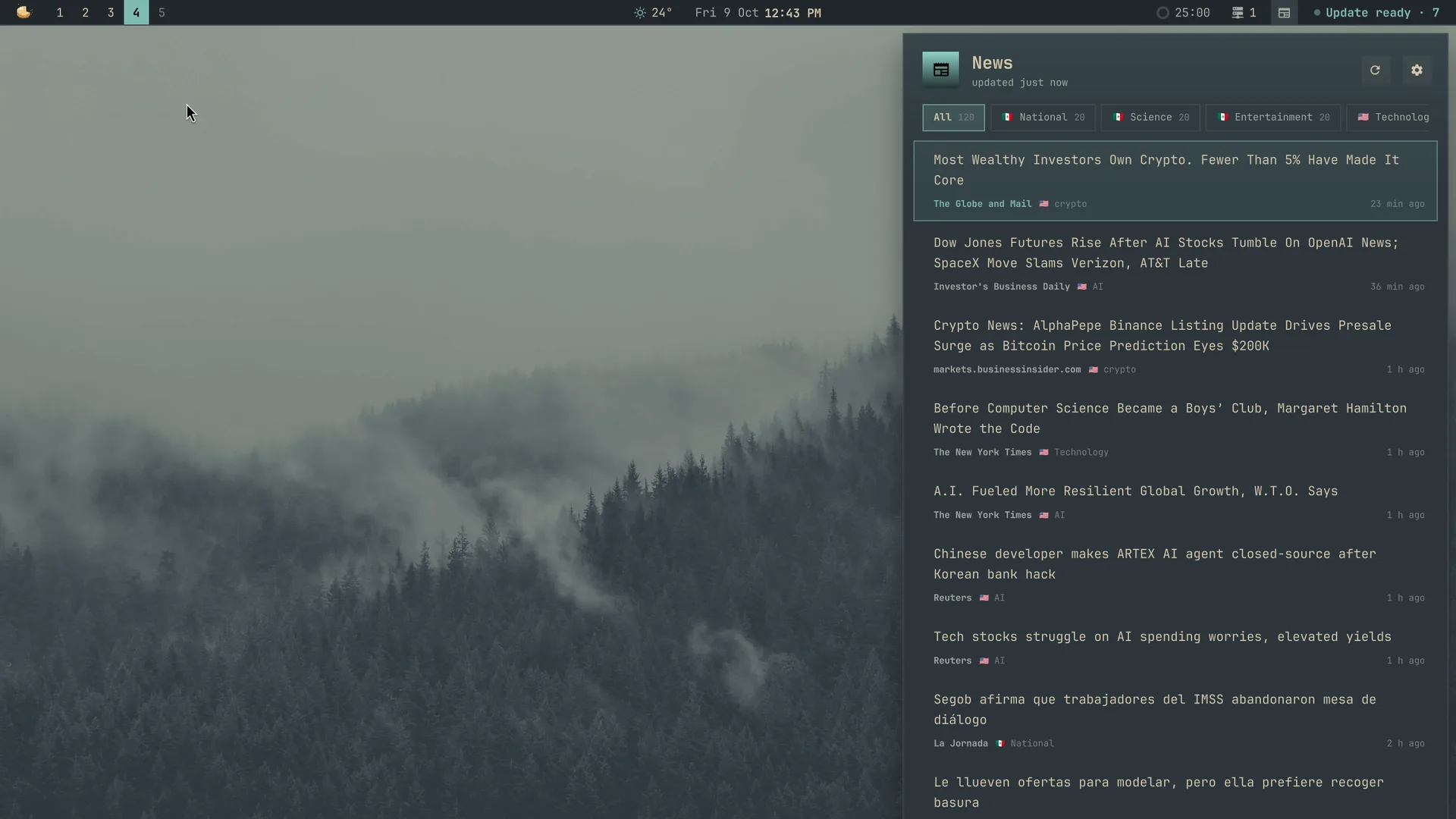
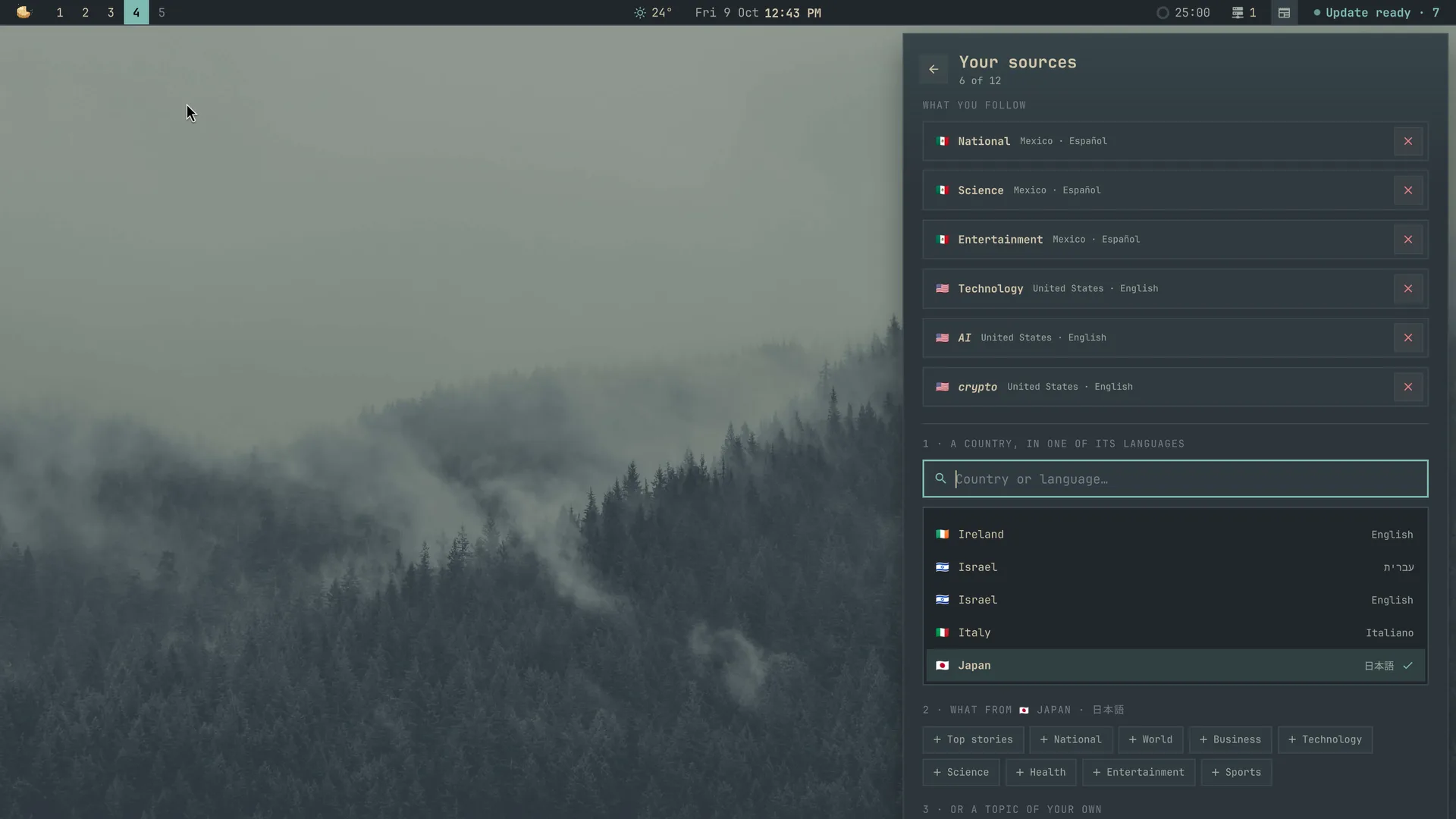
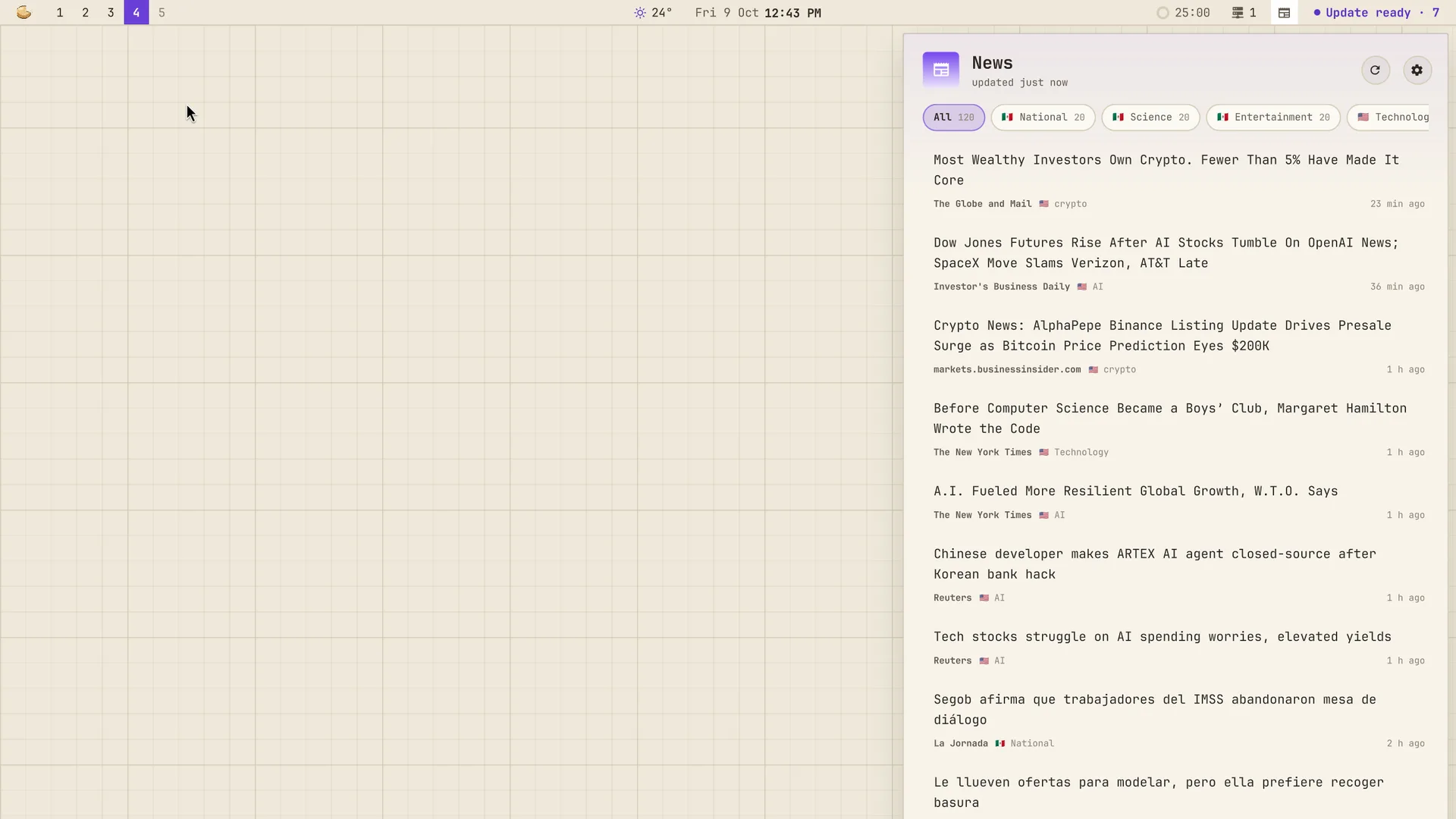
A plugin for Mazapan, listed in its plugin registry.
The news from where you're from and where you live, in the languages you read. From Mexico and living in Japan: Mexico's national news and science in Spanish, Japan's front page in Japanese, and AI and crypto from the US in English, all in one place. Quiet until you want it: an icon in the bar, a panel made for reading when you open it, and nothing else. No notifications, nothing in the Control Center.
- Editions by country and language: every edition Google News has, 80-odd, each a country in one of its languages (Mexico · Español, Canada · English or Français, India in seven languages, Japan · 日本語). A country in a language Google doesn't have (Japan in English) isn't one, so it isn't offered.
- Its sections, in that edition's language: Top stories, National, World, Business, Technology, Science, Health, Entertainment, Sports.
- Your own topics: any words, looked for in that edition over the last two days (AI, bitcoin, video games, inteligencia artificial…), with a few suggested in its language.
- Up to 12 sources, from as many countries as you like. Your country's
front page until you pick yours (from the desktop's language:
es_MXis Mexico in Spanish). - Made for reading: each headline whole, in the reading font, never cut to one line; its newspaper and how long ago below it. What came since you last looked goes first, marked. Your sources are filters on top: all of them together, or one. A click, or Enter, opens it in the browser.
- In the bar: only its icon, with a dot when there's news since you last looked. A right click looks for news now.
- It keeps what it got: the panel opens at once with what came last, also without internet; it looks again every 30 minutes, and as soon as the internet is back. A source that can't be reached keeps its last headlines, and says so.
SUPER + ALT + E opens it (also "News" in the palette). ↑ ↓ (or j k)
move, ← → (or Tab) change the source, Enter opens the headline, Ctrl+R
looks for news now, Ctrl+S opens your sources, Esc closes.
Your sources: ⚙ in the panel (or Ctrl+S). Type a country or a language, pick it, then tap what you want from it: each section is added with a tap and taken away with another; a topic of your own is typed and added with Enter. ✕ takes a source away.
Settings
| Setting | Default | |
|---|---|---|
key |
SUPER + ALT + E |
Opens the news |
bar |
on | Its icon in the bar |
dot |
on | A dot on the icon when there's news since you last looked |
every |
30 | Minutes between looks for news (10 to 240) |
per_source |
20 | Headlines from each source (5 to 50) |
Your sources aren't settings: they're picked in the panel.
What it reaches and why
- news.google.com, and nothing else: one RSS feed per source, asked over https only (a redirect elsewhere is refused), for 10 seconds and 1 MB at most, every 30 minutes and when you ask. What's sent is what any feed reader sends: the edition, the section or your words. No account, no identifier, no cookies.
- What it reads from a feed: each headline's title, newspaper, link and time. A feed with a DTD is refused (no entities, nothing loaded from elsewhere); links that aren't https are left out.
- What it opens: the headline's link, in your browser, with
xdg-open(Google News' link, which takes you to the newspaper's page). - Files it keeps:
~/.local/state/mazapan/news/(your sources, the last headlines, when you last looked). - Files it writes: its part of the shell (
components/news/, the bar's icon, the panel), its key in Hyprland, its helper (~/.local/share/mazapan/bin/news,python3 -I, only Python's own library), and its settings, read as they change.
From a terminal:
python3 -I ~/.local/share/mazapan/bin/news show # what came last, as JSON
python3 -I ~/.local/share/mazapan/bin/news fetch # look for news now
python3 -I ~/.local/share/mazapan/bin/news sources # your sources
python3 -I ~/.local/share/mazapan/bin/news editions # every edition there is
Install
In Mazapan, the Plugins panel (SUPER + SHIFT + P) lists it under the
community's: its page shows what it can do before you install it. Or:
mazapan plugins add news
mazapan apply
Updates come through the registry: mazapan plugins update news, or the
Updates panel, asking again only for anything new it would be able to do.
Develop
git clone https://github.com/rick-dev-creator/mazapan-news
mazapan plugins dev mazapan-news     # applied again on every save
mazapan plugins check mazapan-news   # every theme, every language, before a release
python3 -m unittest discover -s mazapan-news/tests   # the helper's tests
A release is a tag, vX.Y.Z, the same as version in plugin.toml; the
registry lists it once it passes its checks.
The idea comes from Omarchy's Omanews (a headline ticker for the bar); the code is this plugin's own.
License
MIT