 Mazapan
Plugins
Made by Mazapan's community, each in its own repository. Install one from the Plugins panel (SUPER + SHIFT + P), which shows what it can do before anything is installed, or withmazapan plugins add ID.
Needs Mazapan 0.4.0 or newer.
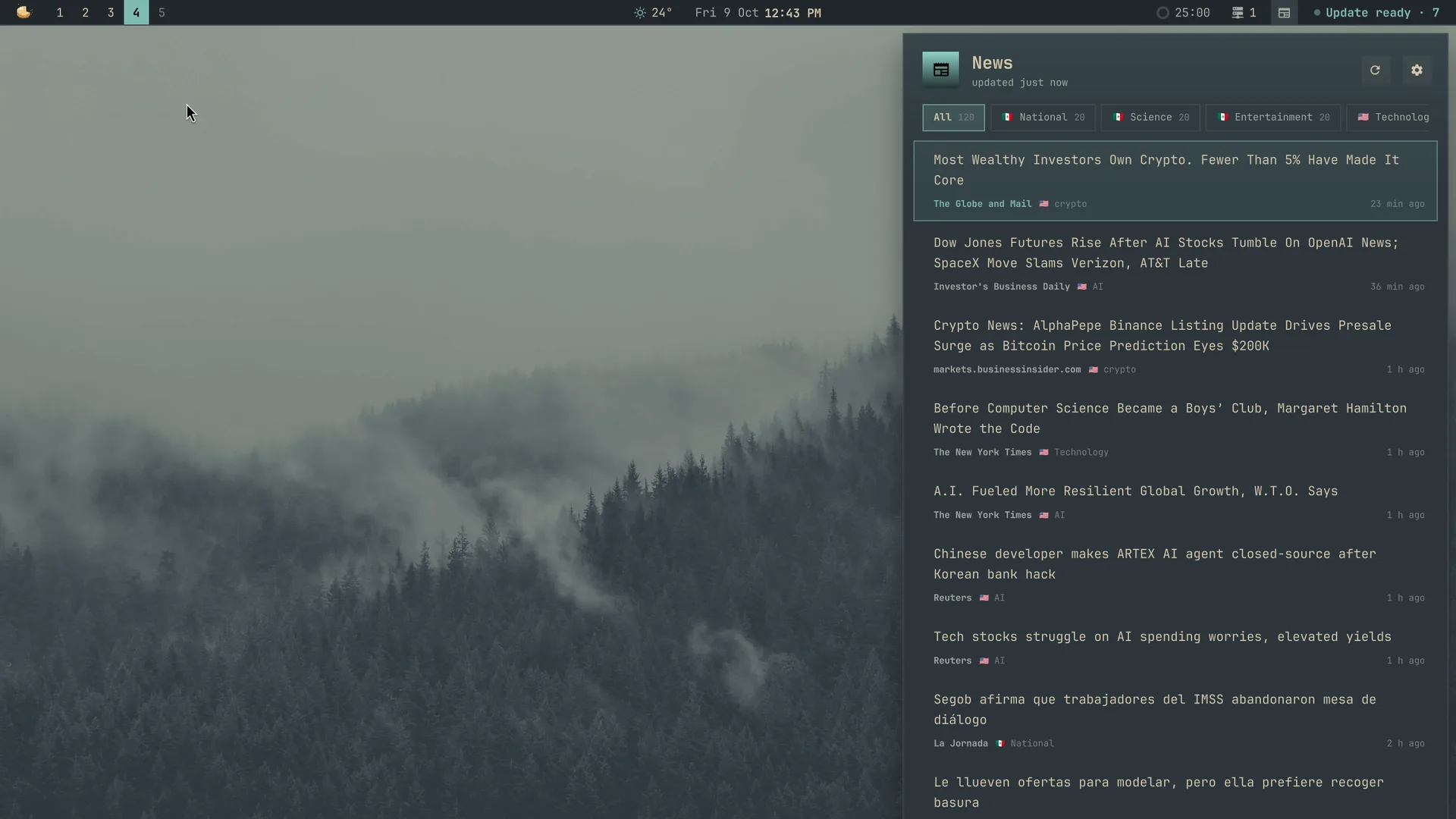

News
 RickDev@rick-dev-creator★ 0
The news from where you're from and where you live, in the languages you read: Google News' editions by country and language, its sections (science, entertainment…) and your own topics (AI, crypto…), in a quiet icon in the bar and a panel made for reading
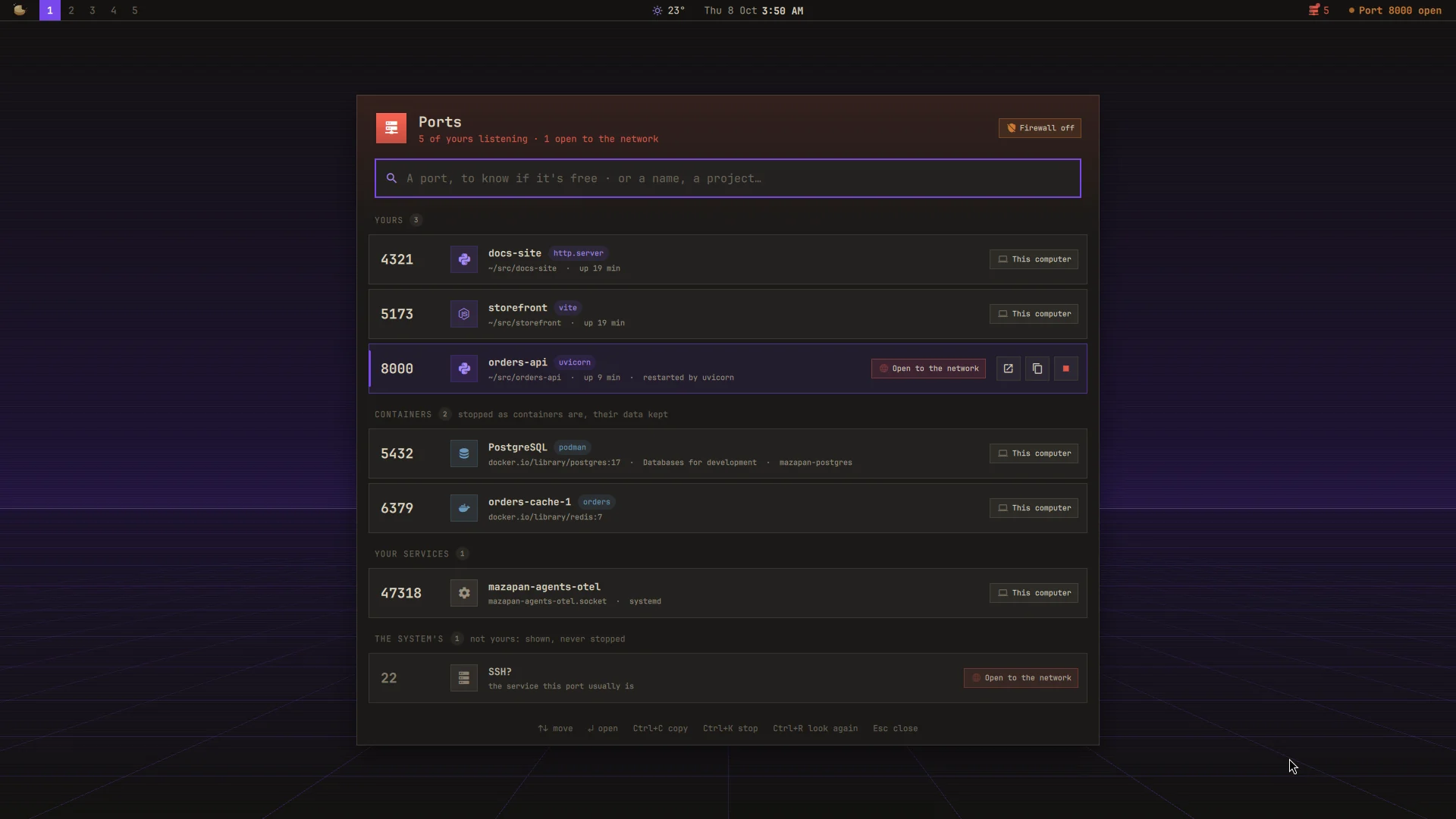

Ports
RickDev@rick-dev-creator★ 0
What's listening on your computer, by name: your servers with their project, containers, the system's. Is a port free (and the next one that is), stop what holds it for good, and a word when something of yours is open to the network
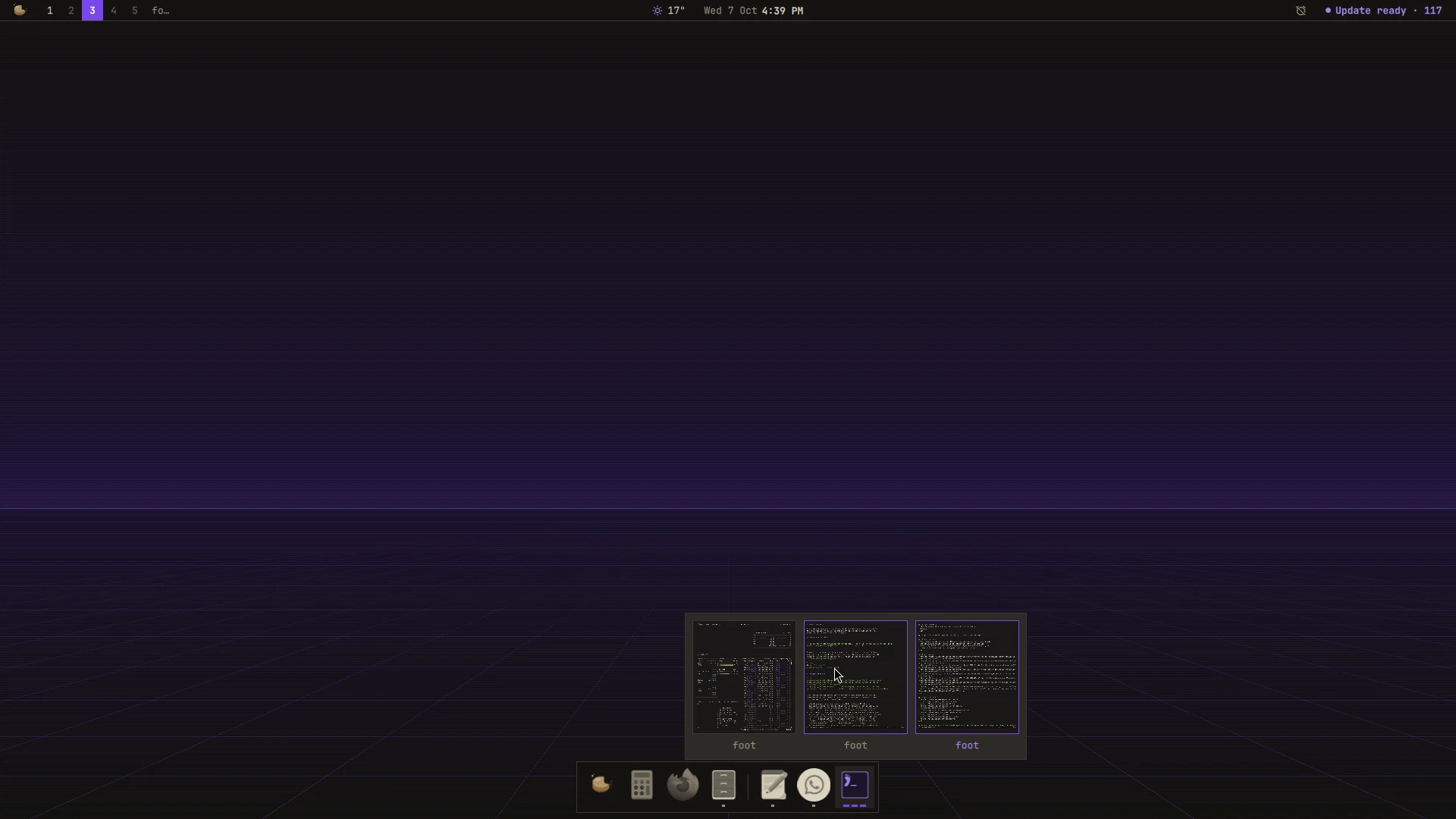

Dock
RickDev@rick-dev-creator★ 0
Your apps at the bottom of the screen: the ones you keep there and the ones open, a mark for each window, the window found wherever it is on the strip, and every window of an app live to pick one
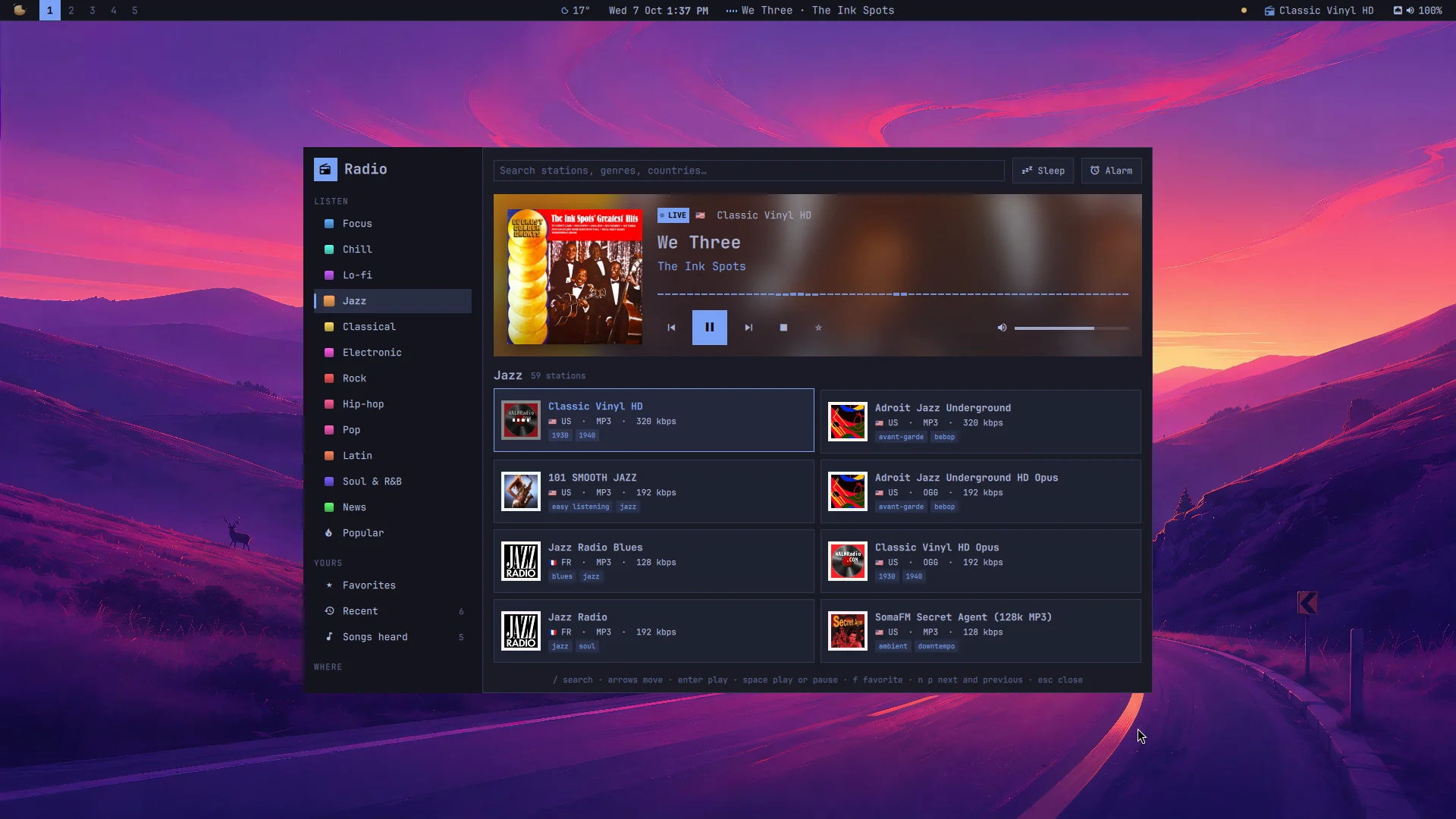

Radio
RickDev@rick-dev-creator★ 0
Live radio from all over the world, found by mood, country or name: each song's cover and colors as it plays, the songs you heard to find again, favorites, a sleep timer and an alarm, and the media keys
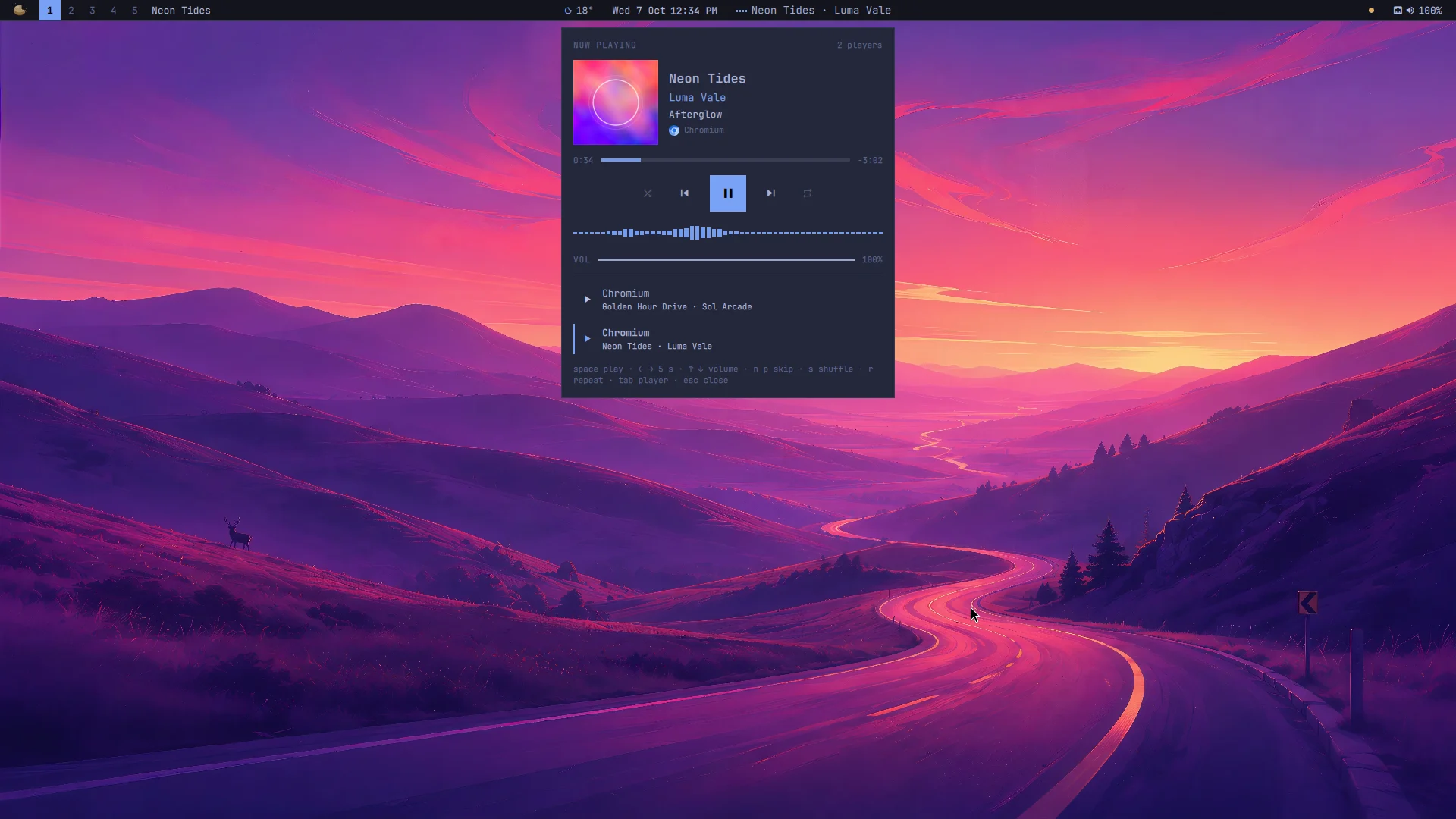

Playback
RickDev@rick-dev-creator★ 0
What's playing, in Mazapan's own look: Spotify, YouTube in a browser, mpv… in the bar, the Control Center and a compact panel in the theme's colors, with every player, a bar to drag through the song and the sound drawn as it plays
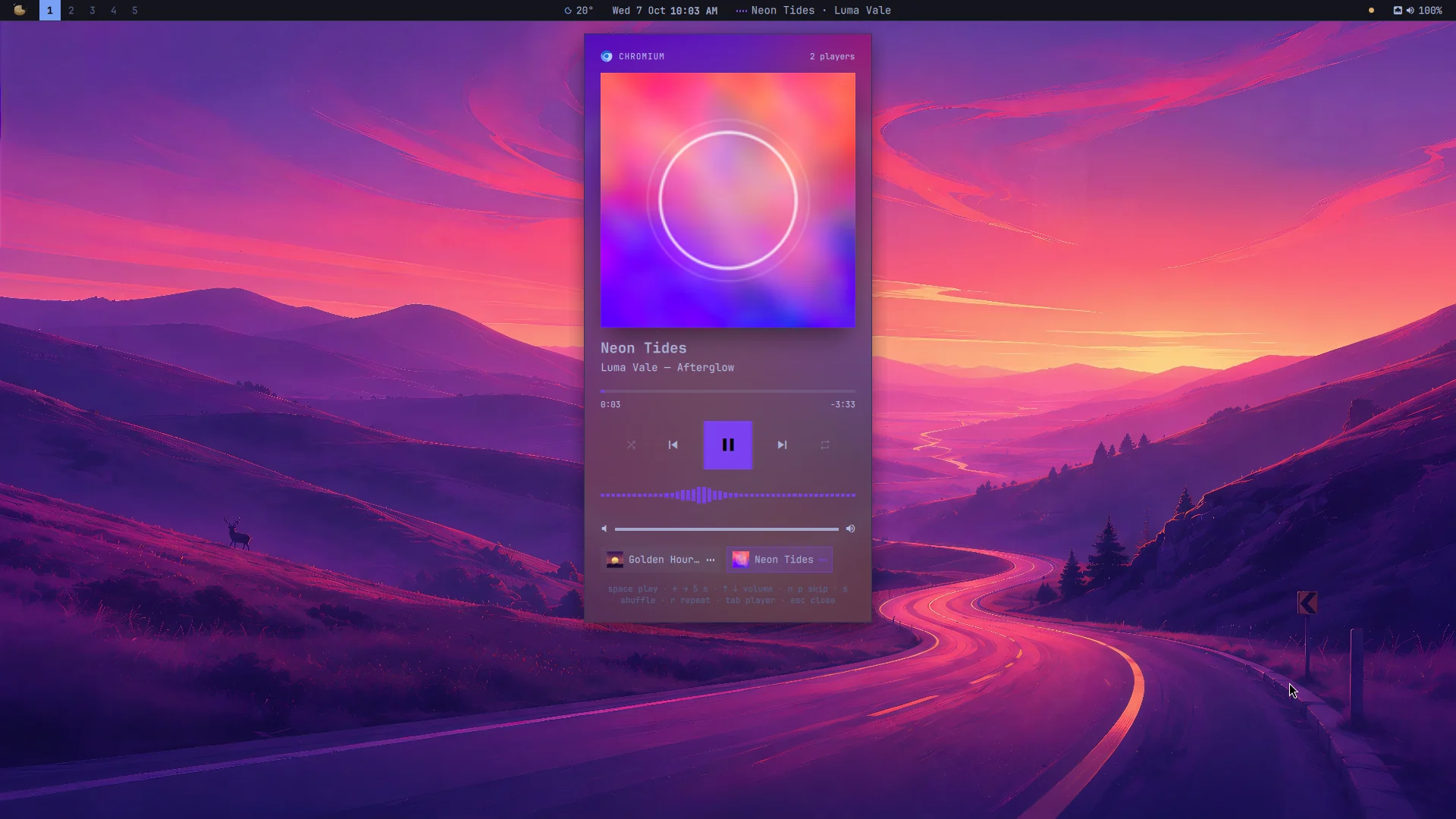

Now Playing
RickDev@rick-dev-creator★ 0
What's playing, wherever it plays: Spotify, YouTube in a browser, mpv… in the bar, the Control Center and a panel with every player, the cover's colors, a bar to drag through the song and the sound drawn as it plays
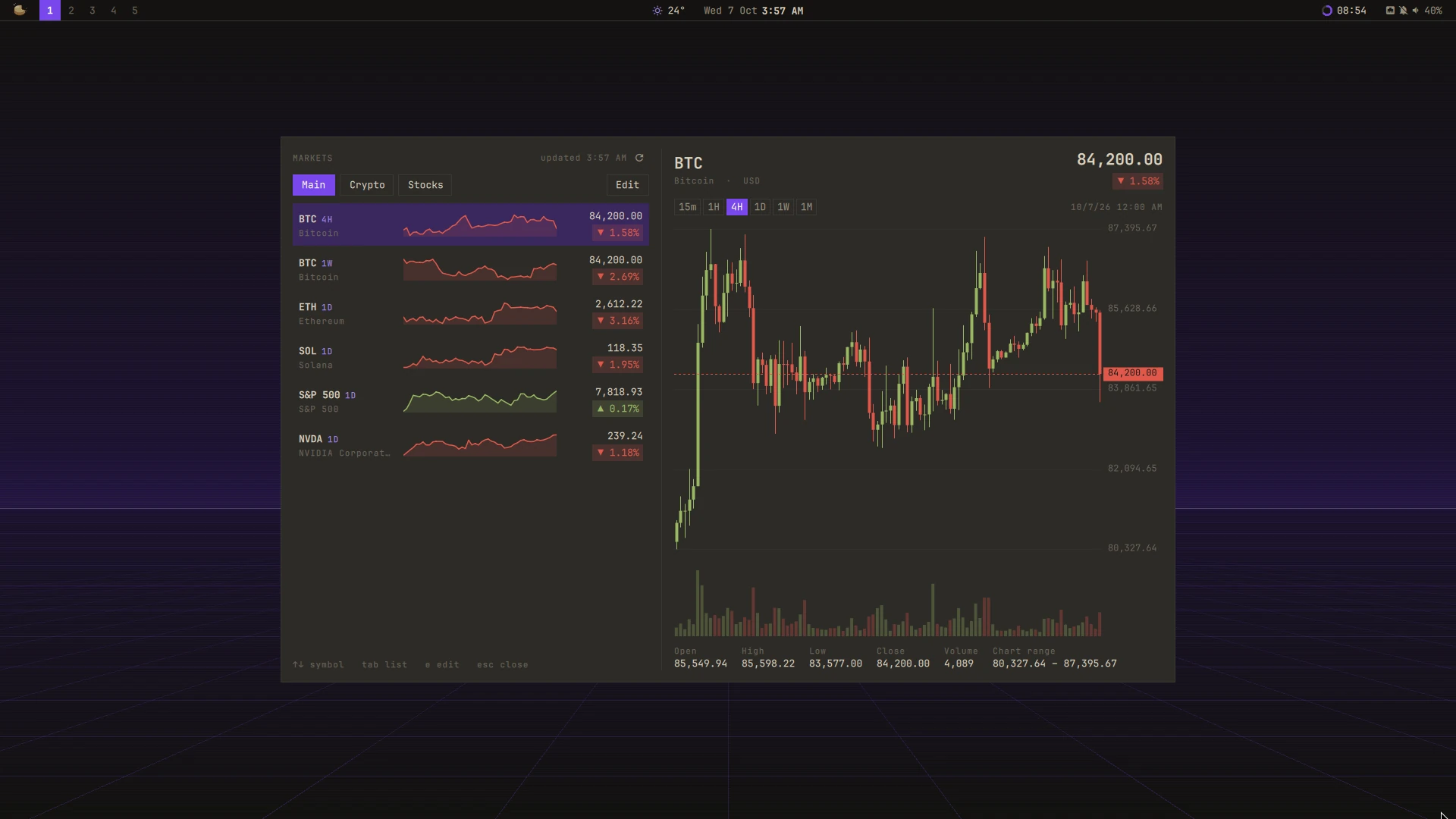

Markets
RickDev@rick-dev-creator★ 0
Crypto and stock prices with trend charts: a watchlist where each symbol has its own timeframe (BTC 4H, BTC 1W, SOL 1D), the top 20 coins, your stocks, and a ticker in the bar
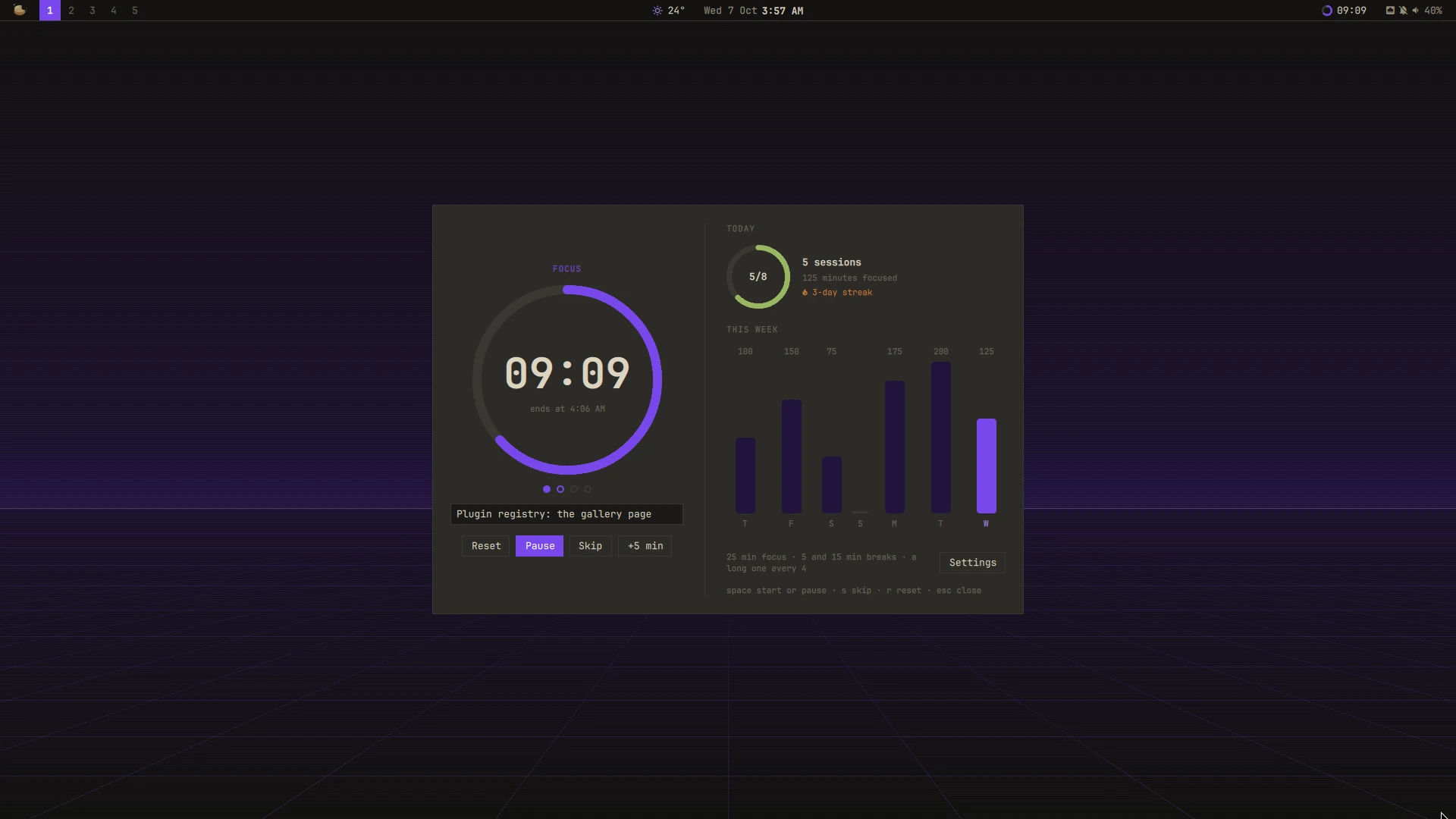

Pomodoro
RickDev@rick-dev-creator★ 0
Focus in sessions with breaks between them: a ring that fills as the time goes, the sessions of each set, what you're working on, Do Not Disturb while you focus, and today's and the week's focus at a glance
No plugin matches.
Make your own
Your plugin stays in your own repository; the registry lists it, and finds its new versions by itself.
- Start it.
mazapan plugins new my-plugin --kind panel --dir ~/src/mazapan-my-plugin, thenmazapan plugins dev ~/src/mazapan-my-pluginapplies it on every save. - Make it ready. An
author, alicenseand a[gallery]icon and screenshots in plugin.toml, a README.md and a LICENSE;mazapan plugins checkpasses with no errors. - Release it. A public repository, and a tag that is its version:
git tag v1.0.0. - List it. A pull request adding
id,source,refandcommitto the registry's plugins.toml. Its checks run, a person reviews what it can do, and once merged it's here and in every Mazapan's Plugins panel.
After that, a new version is only a new tag: listed by itself when it can do nothing more, reviewed first when it can. Publishing a plugin is the whole way, step by step; the feed says what's new.